Skip to content

Application & technical support

From question.To a working setup.

Start with the measurement you need.
We help connect the task, the equipment and the way you’ll use it.

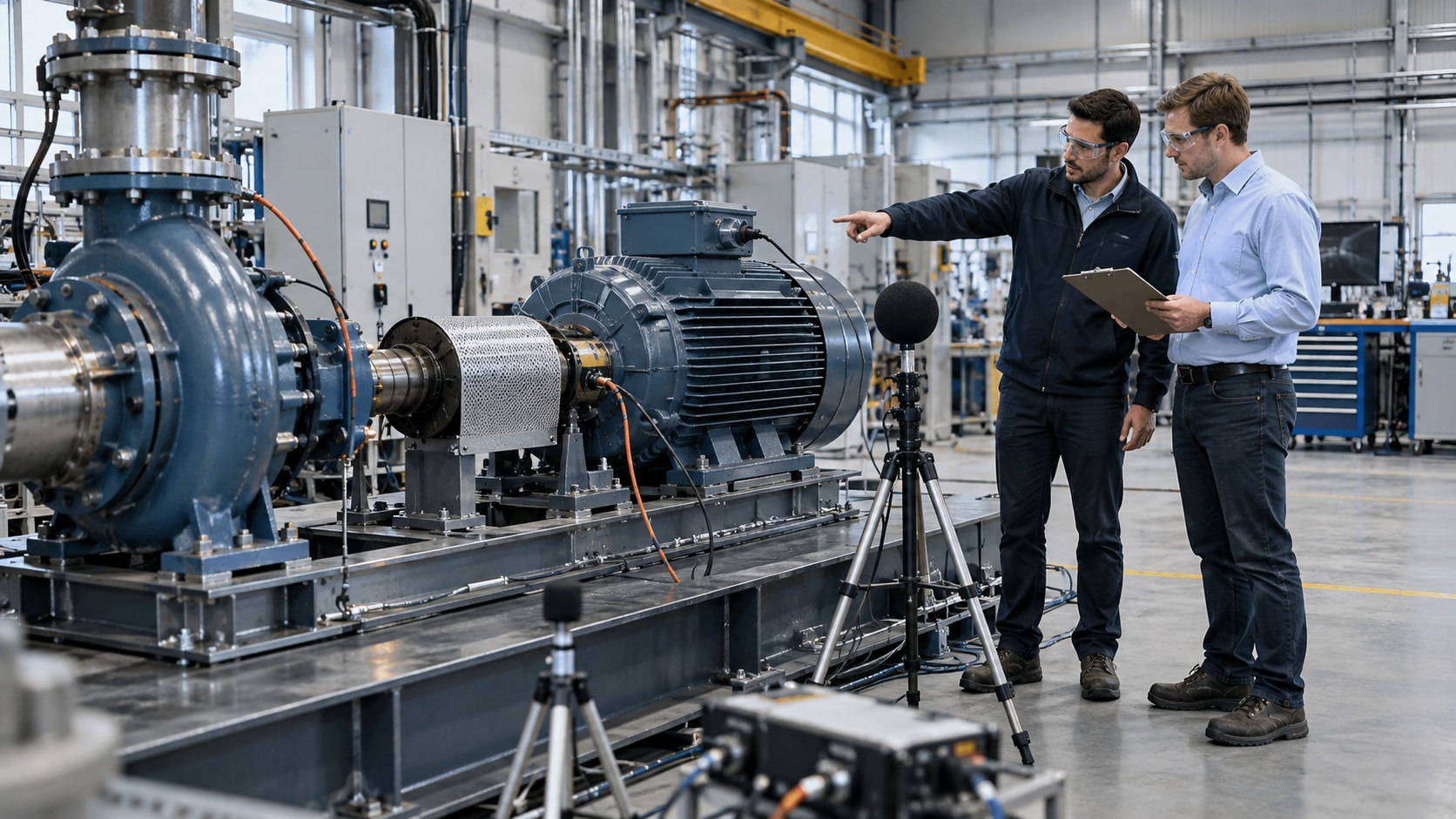
Concept illustration of an engineer conducting acoustic inspection in a spacious industrial utilities hall
Industrial application concept · AI-assisted illustration

Support built around your work

The right starting point.
For your application.

A field inspection, a laboratory test and a fixed monitoring project need different decisions. We start by understanding yours.

Concept illustration of application engineers reviewing an acoustic measurement task in a motor test bay

Understand the measurement

Application review.

Describe the asset, suspected problem and operating conditions. Define whether you need sound-source localization, recorded signals or continuous observation.

  • Electrical inspection
  • Leaks & abnormal sound
Define the Task
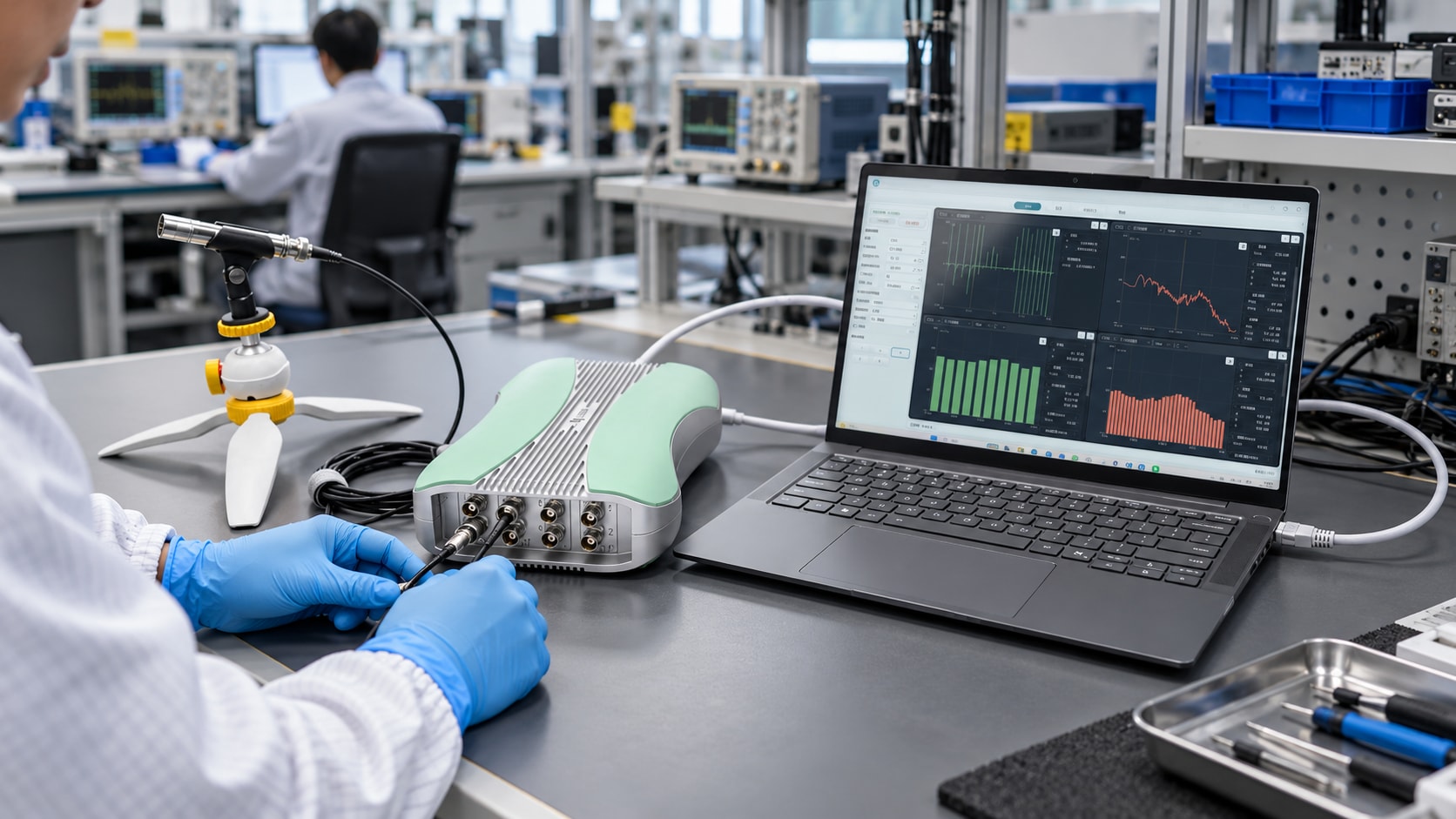
Concept illustration of an acoustic analyzer, microphone and host computer connected on a working laboratory bench

Define the measurement chain

System configuration.

Bring the measurement chain together: instrument, sensor compatibility, input conditions, cables, mounting, host connection and the required software.

  • Sensor selection
  • Acquisition & excitation
Review the System
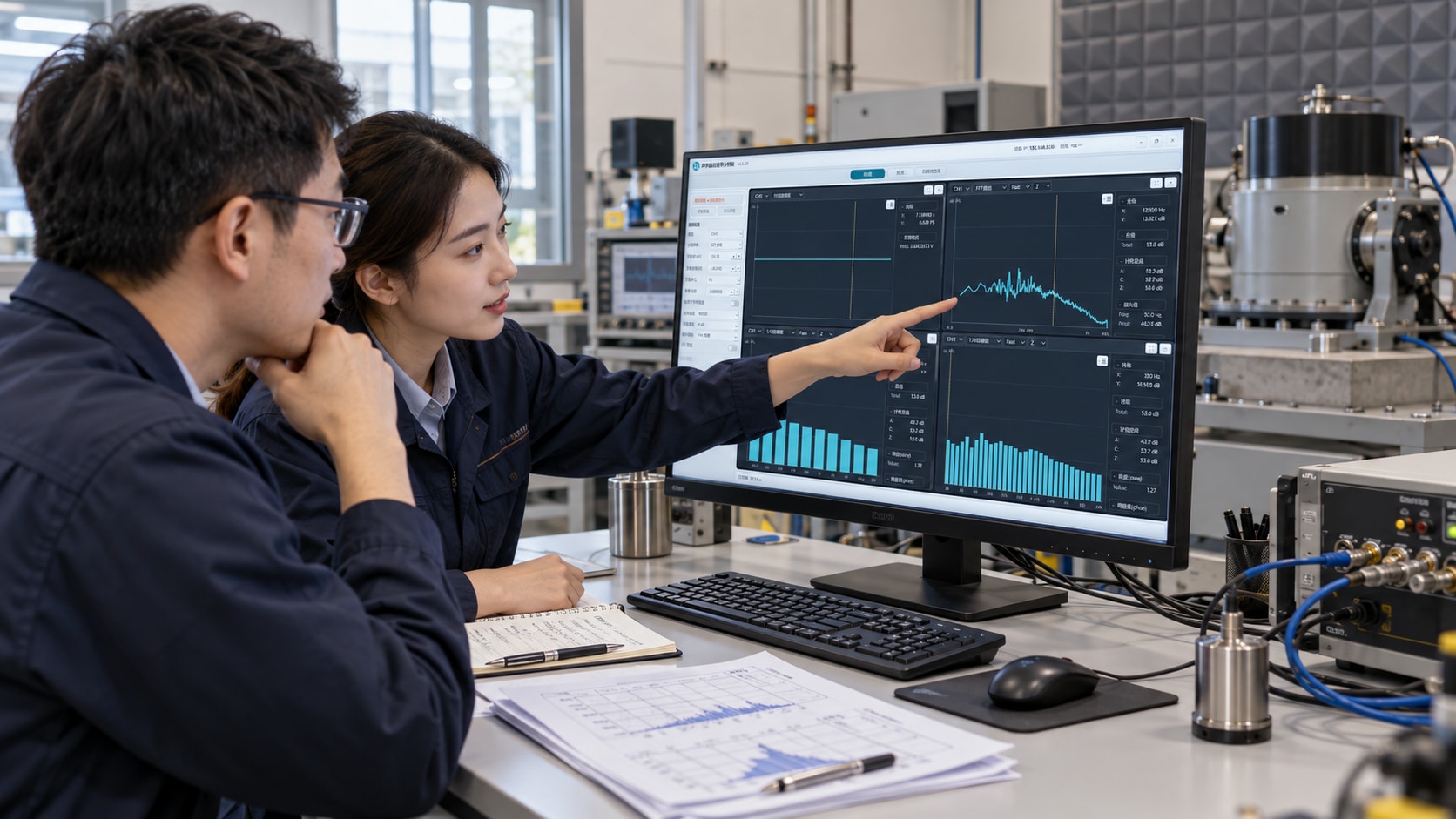
Concept illustration of engineers reviewing waveform and spectrum displays at a technical workstation

Make the workflow clear

Software & operation.

Discuss channel setup, measurement views and inspection records. Define the guidance your team needs to operate the agreed equipment and review its output.

  • Acquisition settings
  • Records & analysis
Explore the Workflow
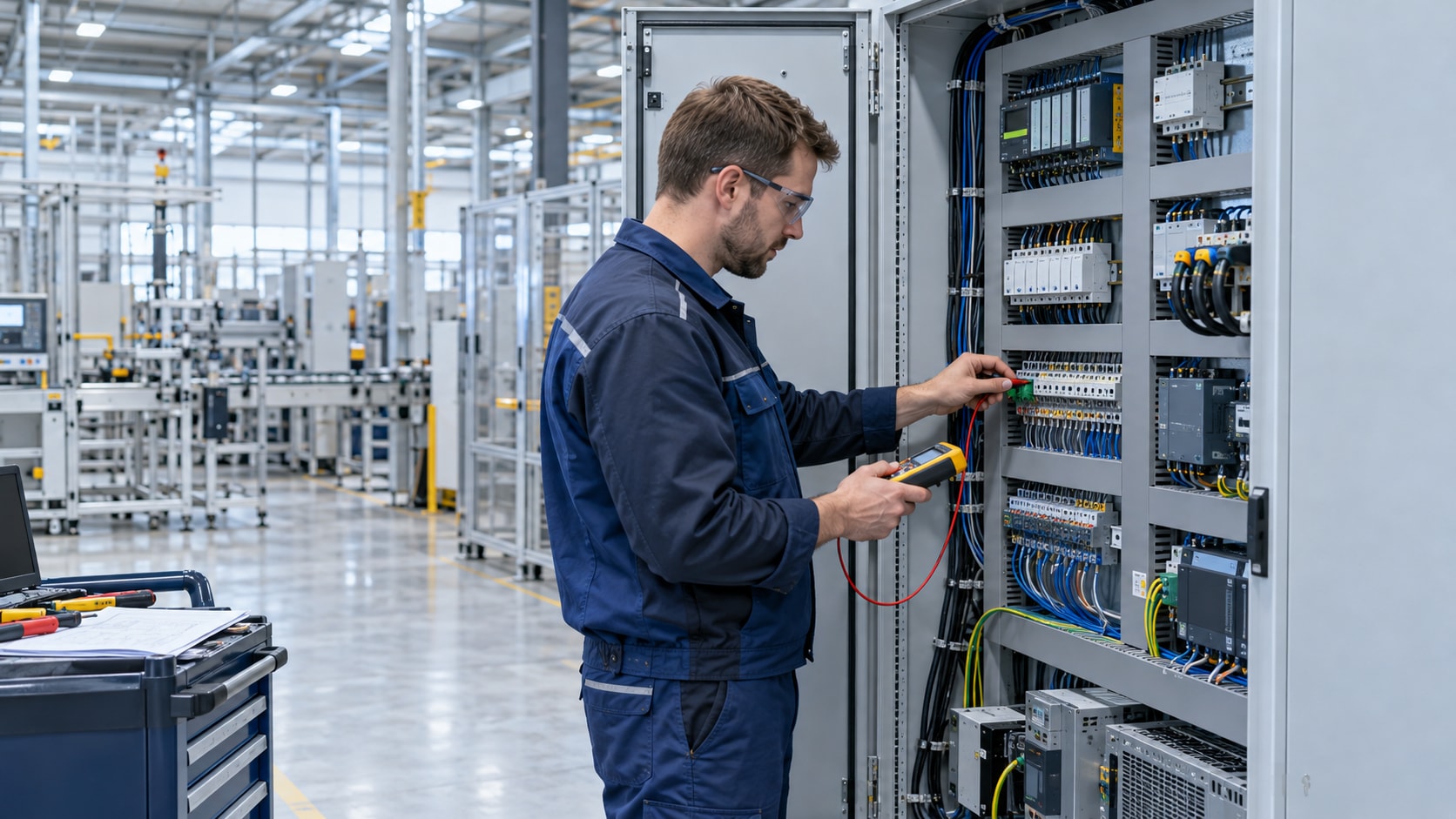
Concept illustration of a commissioning engineer checking acquisition wiring in an industrial control cabinet

Connect the project

Project-specific integration.

For fixed monitoring or production testing, discuss sensing positions, acquisition, analysis, interfaces and the acceptance criteria for your project.

  • Online monitoring
  • Production testing
Discuss the Scope

AI-assisted scene illustrations describe service contexts, not completed customer projects. Equipment appearance is reference-based; the agreed configuration and project scope govern delivery.

How we work together

Clarity first.
At every step.

Good equipment decisions come from a shared understanding of the task, configuration and expected result.

Prepare Your Brief
  1. Understand the task.

    Share your equipment, symptoms, signal types and working environment. Tell us what a useful result needs to show.

    Start with: an application brief.
  2. Define the configuration.

    Review the instrument, sensors, measurement settings and software functions. Identify options that need a separate specification.

    Agree on: a configuration and supply scope.
  3. Confirm the details.

    Agree the technical specification, included items, documentation, delivery terms and any demonstration or training arrangement.

    Confirm in writing: the quotation and project terms.
  4. Support the next step.

    Keep the model, configuration and test context available. For a technical question, share the settings and relevant records so the issue can be reviewed.

    Follow up with: a documented support request.

Operation & software guidance

Know the setup.
Understand the output.

A useful measurement is more than a screenshot. It needs the right settings, a known test condition and a record your team can revisit.

Reference interface. Available functions depend on the software configuration. Select the image to enlarge.

Begin with
the conditions.

Match the sensor and input mode. Review channel sensitivity, range and sampling settings before recording.

  • Sensor and input compatibility
  • Units, sensitivity and measurement range
  • Host connection and channel settings

Demonstration format, interface language, software modules and operation guidance are defined in your project scope.

Monitoring & custom applications

Think beyond
the instrument.

Continuous monitoring and production inspection require a defined system. Bring the measurement, data and operating workflow into the same conversation.

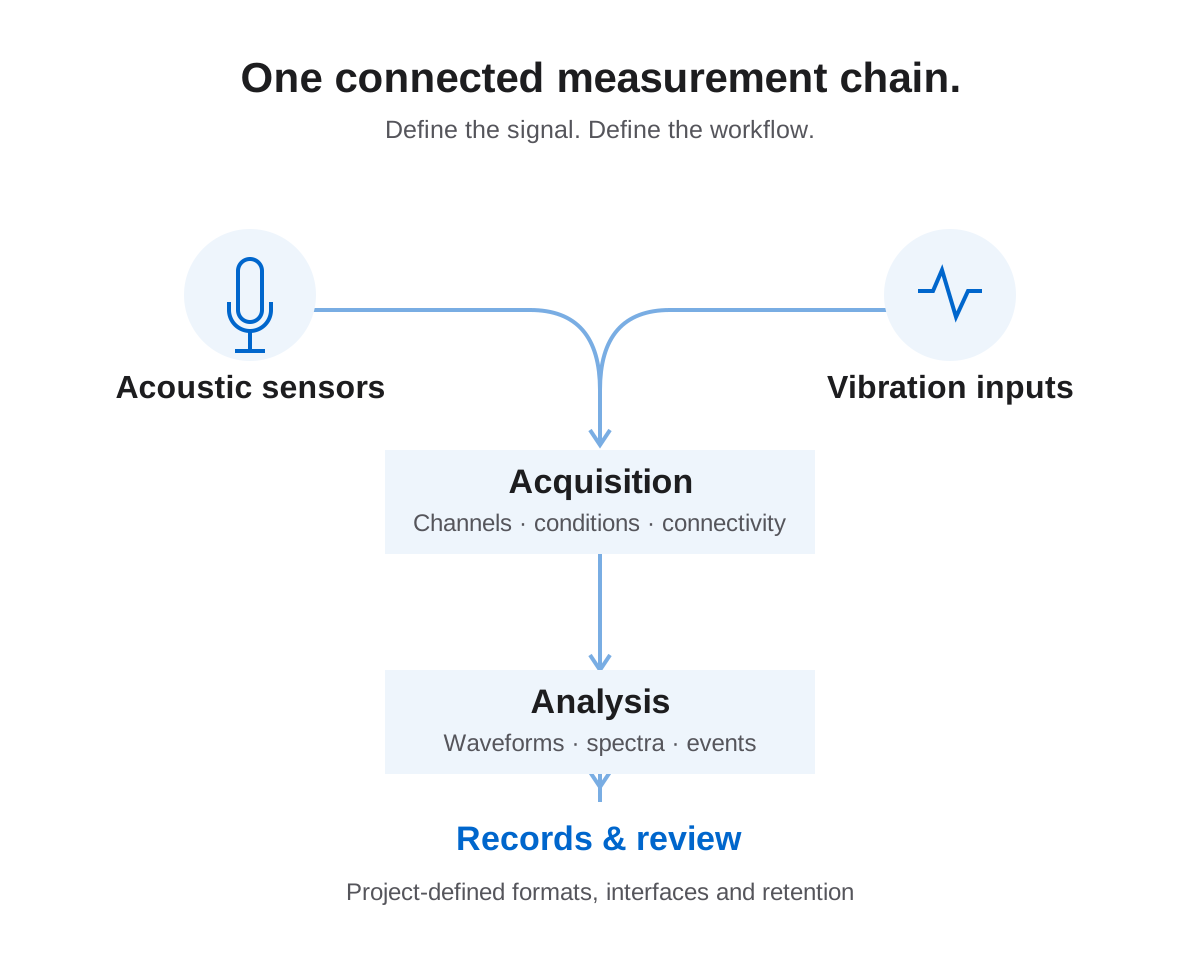
Conceptual software topology connecting acoustic and vibration sensors, acquisition, analysis and measurement records
Conceptual system architecture. Interfaces and deployment are defined for each project.

A complete chain.
A defined responsibility.

Discuss sensor locations, background noise, acquisition and communications, then define how an event will be recognized, recorded and reviewed.

Fixed monitoring
Sensing positions, data collection, trends, alerts and record retention.
Production inspection
Reference samples, test conditions, signal features and a defined decision method.
Software integration
Required data formats, interfaces and custom functions, subject to feasibility review.
Discuss a Custom Project
  1. SenseField sensors & placement
  2. AcquireHardware & connectivity
  3. AnalyzeDefined signal features
  4. ReviewRecords & actions

Conceptual workflow, not a standard bundled system. Integration, installation, custom development and acceptance tests require a separate written scope.

After delivery

Keep the context.
Make support useful.

For a technical question, the configuration and test conditions matter. A clear record helps separate setup issues from application limitations.

Contact Technical Support
What should I include in a support request?

Share the instrument model and serial number, software version, connected sensors, settings, operating conditions and the symptom. Add a screenshot or a short record where permitted.

Can you help with setup and software use?

Discuss the guidance needed for the supplied configuration: host connection, input settings, measurement views and records. The quotation defines any scheduled demonstration, training or additional service.

Is on-site support or a trial included?

Do not assume it is included. Availability, location, schedule, equipment loan, travel and cost need to be agreed before booking. Request the options for your project.

How are updates, warranty and repairs handled?

The written sales terms define warranty coverage, software licences and update entitlement. Contact Qidoo with the equipment details before returning an instrument; agree the service procedure and shipping arrangements first.

Can you provide accredited calibration or test reports?

Specify the required standard, issuing body, scope and traceability documents. Instrument capability alone does not establish an accredited service. Confirm the relevant documentation and provider before ordering.

A clear scope of supply

No assumptions.
Just agreed details.

The instrument is one part of the project. Make the rest explicit.

Equipment.

Model revision, sensors, cables, accessories, mounting and power requirements.

Software.

Interface language, analysis modules, licence, export needs and integration scope.

Support.

Documentation, demonstration, training, delivery terms and after-sales arrangements.

Start a useful conversation

A clearer brief.
A better next step.

You don’t need a finished specification to contact us. Share what you know, and identify the details that still need an engineering discussion.

What do you need
to locate or measure?

Describe the asset, suspected discharge, leak or abnormal sound, and the conditions in which inspection will take place.

Download the Brief Template

Bring these details to the discussion

  • Task & assetEquipment, symptoms and the result you need.
  • Signal & rangeKnown frequencies, expected levels and measurement points.
  • Working environmentAccess, noise, temperature and site restrictions.
  • Existing equipmentSensors, software, host computer and integration needs.
  • Project & deliveryLocation, quantities, timetable and required documentation.
Discuss This Application

This guide prepares your enquiry. No information is submitted here; use the Contact page to send your request.

Reference measurement interface

Language, version and functions depend on the agreed software configuration.